Goals help you save toward something specific — a trip, a new phone, an emergency cushion — instead of money just drifting away.
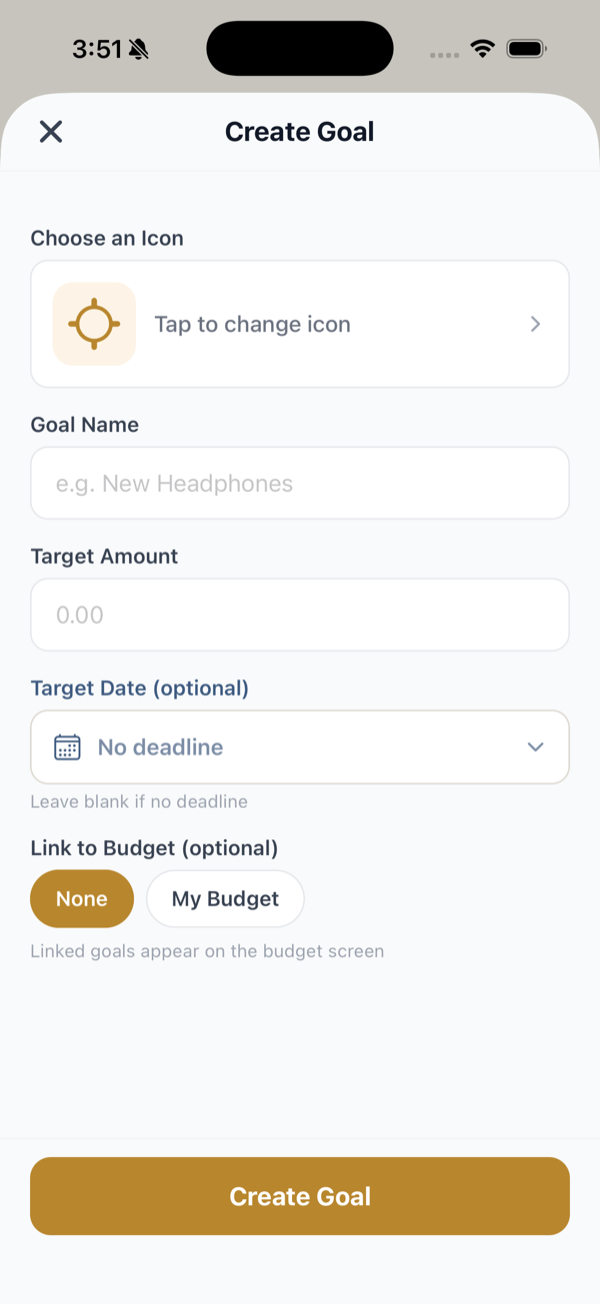
Create a goal
- Open the Goals tab.
- Create a goal with a name and a target amount.
- Optionally set a target date to pace yourself.
Track progress
As you contribute, each goal shows how much you’ve saved, how much is left, and a progress bar. When you reach the target, Clarius marks it complete.
Tips
- Break a big goal into a monthly or weekly amount so it feels achievable.
- Pair a goal with a budget category (for example, a “Savings” category) so contributing becomes part of your normal routine.
- Small, consistent amounts add up faster than waiting for “extra” money that never quite appears.